
In Sugarcoat, add a friend on the Friends tab with their friend code, tap Decorate with a Friend and pick a bake. You each decorate your half on your own phone, whenever you like. When you both finish, the whole bake comes together. To share any finished bake, open it and tap Share to send a card of it or save it to your photos.
Add a friend
- Make a free account (Profile tab). Friends need an account, and you must be 13 or older.
- Open the Friends tab. You’ll see your friend code, which looks like ABC-123.
- Send your code to a friend. They type it on their Friends tab and send you a friend request. Accept it, and you’re friends.
Decorate one bake together
- On the Friends tab, tap Decorate with a Friend and pick a friend.
- Pick a bake. Your friend gets the invite.
- You each decorate your half. There’s no rush, and you don’t need to be online at the same time.
- When you both finish, the two halves come together into one finished bake.
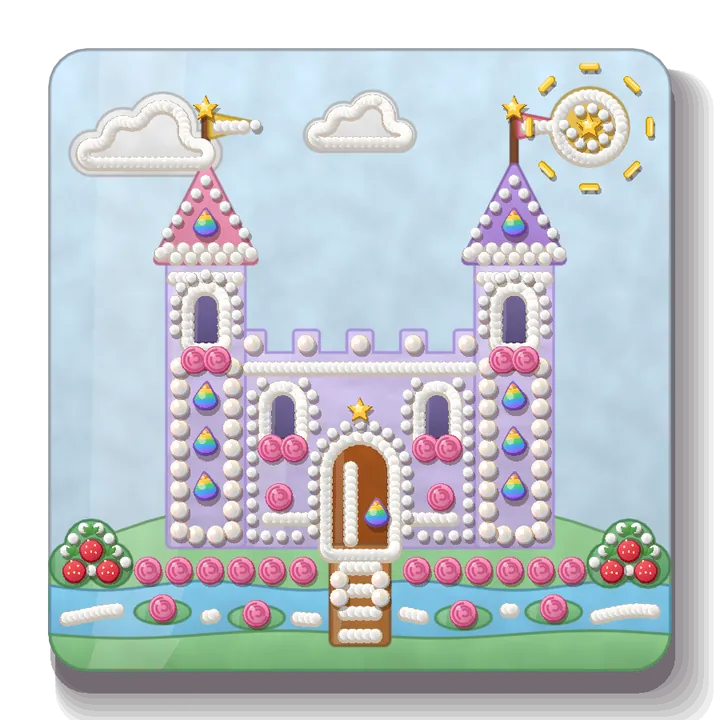
Share a card of your bake
Every finished bake can become a share card. Open a finished bake and tap Share. Sugarcoat makes a picture of your bake on a background that matches its colors, with its toppings scattered around the frame. It looks a little different every time. Send it with your phone’s share sheet, or tap Save Image to keep it in your photos.
Safety
Friends in Sugarcoat find each other only by friend code. There’s no open chat. Baker names come from a list, so no one can type an unkind name. You can remove, block or report a friend from the Friends tab at any time.